.svg)

Introducing GG Dynamics: Kelvinlet Deformations for Maya
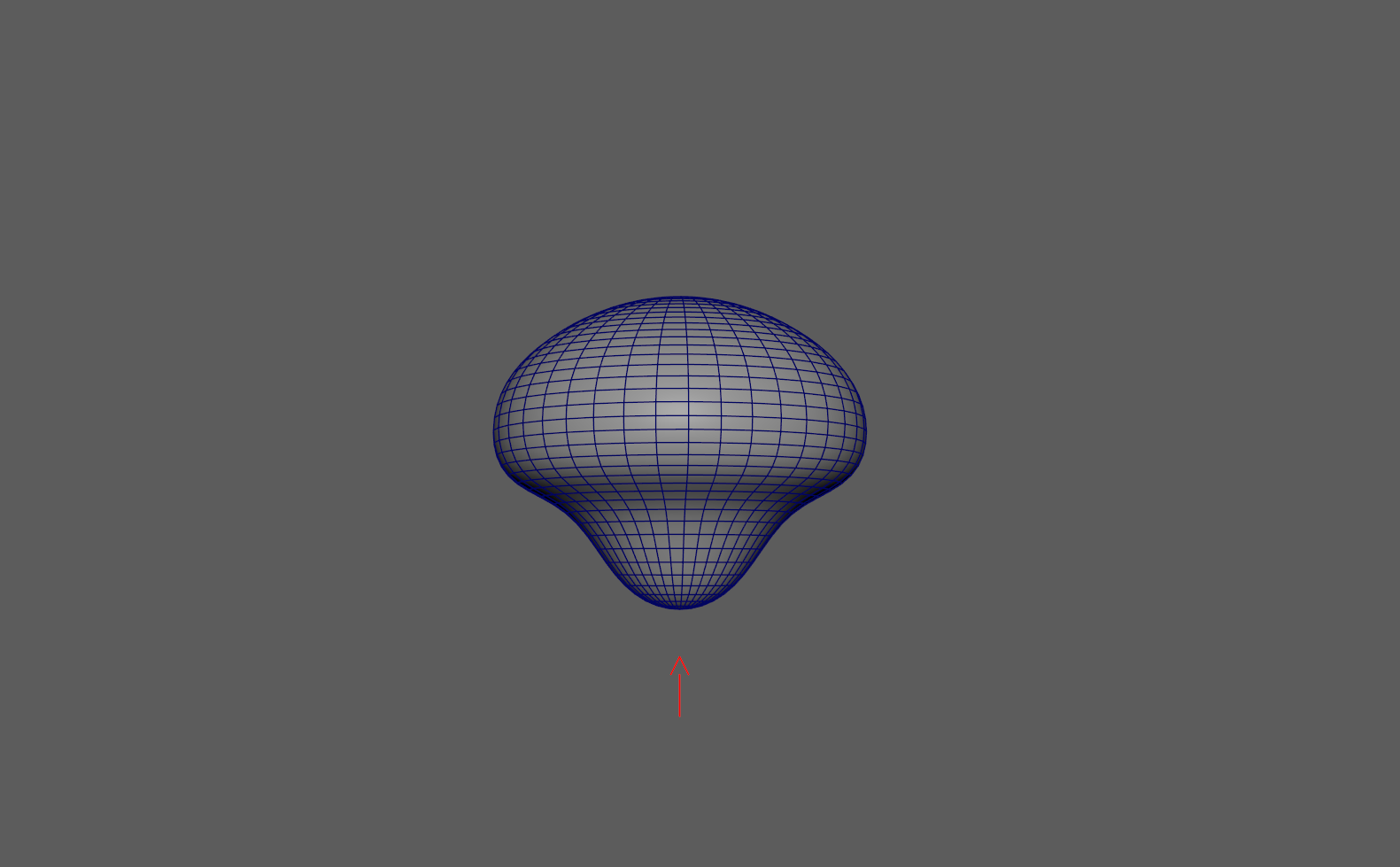
A pinch, a jiggle, the punch of an impact, these are fiddly to build in Maya by hand. GG Dynamics makes them faster to set up.
Place a controller, choose an effect, and shape it with a handful of sliders.
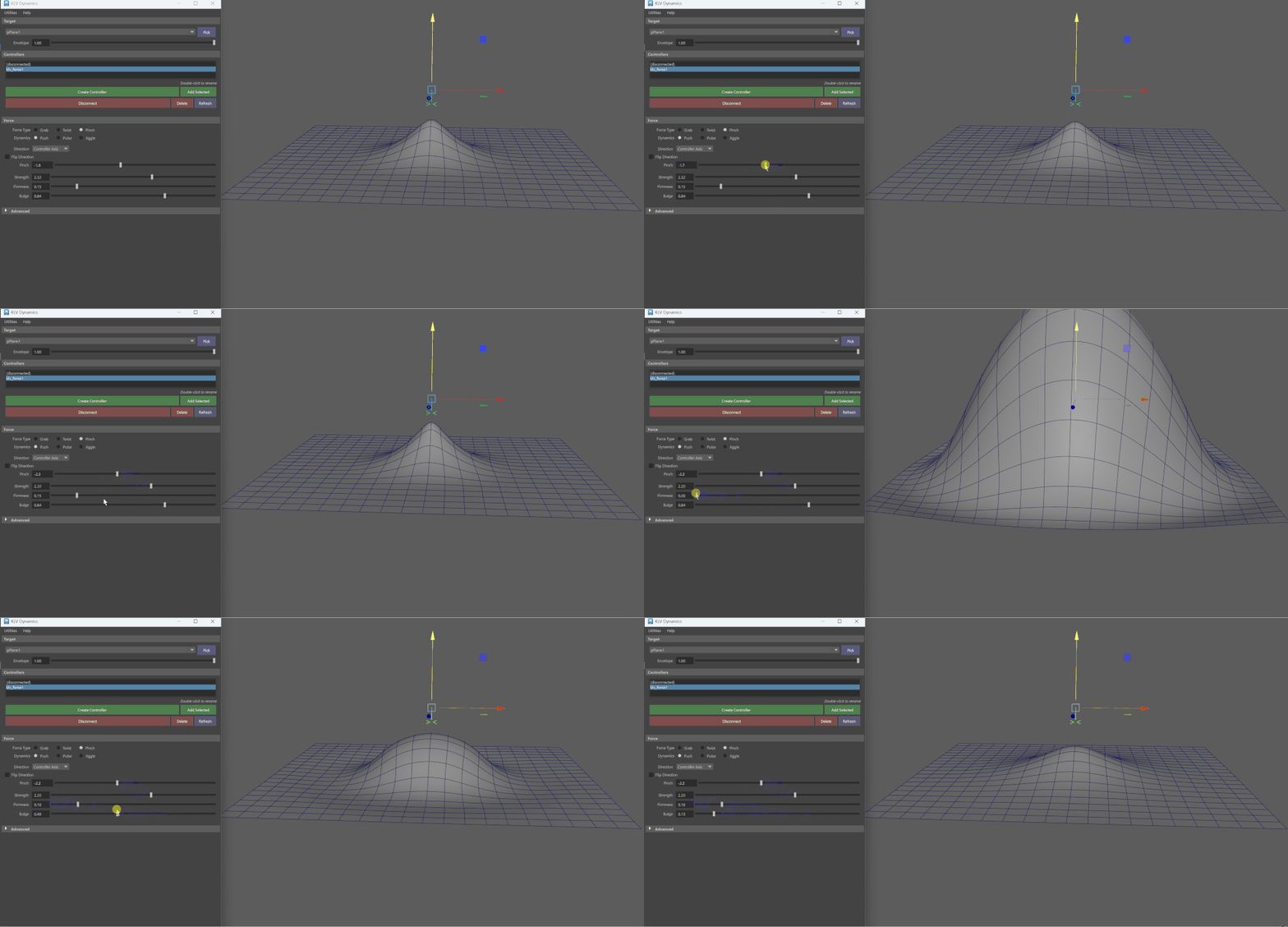
The workflow is built around placing controllers. Drop one on your mesh, pick a deformation mode, and you get a result straight away. From there you finetune with sliders for strength, spread, bulge, timing, and falloff.
Each frame is calculated directly rather than simulated, so there's nothing to solve and nothing to cache. Scrub the timeline freely, layer the effects on top of the animation you already have, and keyframe the point of impact.
How it works
GG Dynamics is built on Dynamic Kelvinlets, a way to deform a surface around a point of force. Every frame is evaluated on its own, so playback stays fast and a given frame looks the same each time you scrub back to it. Keyframe the controller, its strength, or its direction to shape the effect over time.
Features
- Force kernels: Grab, Twist, Pinch
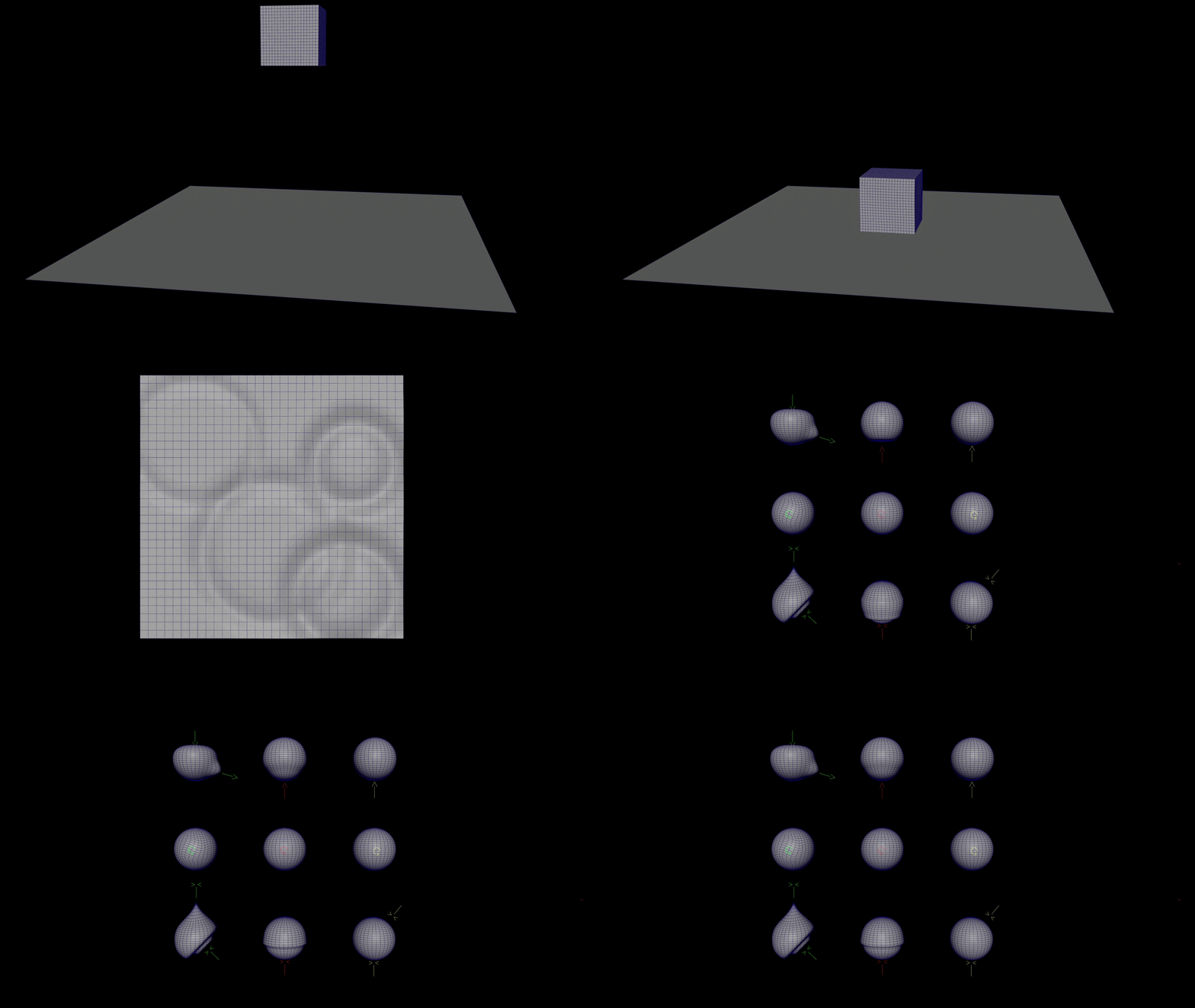
- Dynamic modes: Push (static pose), Pulse (impact ripple), Jiggle (damped oscillation)
- Mix any kernel with any mode: grab jiggle, twist pulse, static pinch, and so on
- Direction control: manual vector, surface normal, or controller axis all animatable
- Oriented pinch: the squeeze axis follows the surface normal or controller orientation
- Volume-preserving bulge on push for a rounded, fleshy result
- Per-controller timing: start/end frames, time scale, and time offset on every controller
- Cycle modes: Loop or Ping Pong with an adjustable duration
- Spatial falloff: radial (straight-line) or geodesic (across the surface) attenuation
- Readable controllers: arrows change shape by kernel and colour by mode, so the viewport reads at a glance
- Frame-by-frame evaluation: no solve, no cache, full scrubbing
Workflow
1. Open GG Dynamics and pick your target mesh.
2. Create a controller, or add a selected transform you choose.
3. Choose a force type (Grab / Twist / Pinch) and a dynamics mode (Push / Pulse / Jiggle).
4. Set strength, firmness, and bulge, then timing for pulse and jiggle.
5. Scrub to see the effect, and keyframe the controller to move the impact.
Every control has a tooltip, and you can copy and paste settings between controllers.
Credits & reference
Based on "Dynamic kelvinlets: secondary motions based on fundamental solutionsof elastodynamics" by Fernando de Goes and Doug L. James (SIGGRAPH 2018).
Stay updated
We build this kind of tooling for studios every day. see our character rigging services and Maya tool development.
https://gimbalgoats.com · linkedin